Smart furniture combines multiple functions or integrates technology into a single product. In an office, these products are commonly used to adjust working positions, manage equipment, organize documents, or change the layout for different activities.
However, businesses should not select furniture solely based on the number of available features. Floor area, frequency of use, technical systems, and maintenance costs should all be reviewed before smart furniture is included in the office design plan.
What Is Smart Furniture?
Smart furniture refers to products designed with multiple functions or integrated components such as sensors, control systems, internet connectivity, lighting systems, and management software.
In an office environment, this concept is not limited to equipment controlled through a smartphone. A height-adjustable desk, a storage system combined with partitions, or a meeting table with integrated power outlets and connection ports may also be considered smart furniture when one product addresses several needs within the same area.
The appropriate product type depends on how the business operates. An office using flexible seating will require different furniture from one with fixed workstations assigned to individual departments.
Characteristics of Smart Office Furniture
Smart furniture usually features a compact design with limited decorative details and a focus on adjustability. Components may fold, slide, move vertically, or change position to accommodate different activities.
A single product may also perform several functions. A workstation with integrated power outlets and cable-management channels addresses both equipment use and cable organization. Low storage cabinets can hold documents while separating work areas without requiring permanent partitions.
Some products use sensors or software to record operational status. Depending on the product configuration, data on workstation occupancy, usage duration, or electricity consumption may be connected to an office management system.
Advantages of Smart Furniture in the Office
Smart furniture is suitable for spaces that need to serve different purposes at different times. The practical value of each product depends on the available area, working model, and actual frequency of use.
Using One Area for Multiple Purposes
Folding tables, movable partitions, and cabinets combined with seating allow one area to serve several functions. A small meeting room, for example, can be converted into an internal training area by rearranging the tables and chairs.
This approach is suitable for offices with limited floor area or requirements that change throughout the day. A business does not need to reserve a permanent room for an activity that takes place only several times each month.
Adapting to Individual User Requirements
Height-adjustable desks allow employees to alternate between sitting and standing. Chairs with adjustable seat height, backrests, and armrests also accommodate a wider range of body types than products with fixed dimensions.
This adjustability is particularly relevant in offices using a hot-desking model, where several employees may use the same workstation at different times.
Reducing Separate Equipment and Exposed Cables
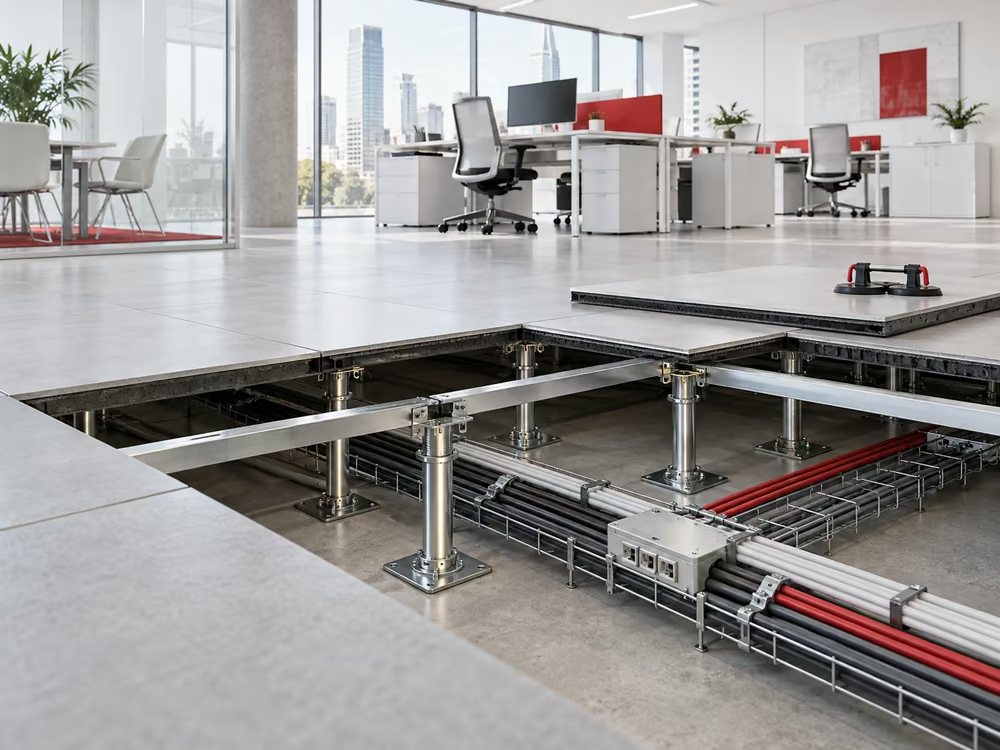
Workstations and meeting tables may integrate electrical outlets, charging ports, cable channels, and cable-management components. Equipment is connected directly at the point of use rather than through cables running across walkways or additional surface-mounted outlets.
This arrangement must be coordinated with the electrical system during the initial design stage. Adding these components after the interior has been completed may require the removal or alteration of desktops, flooring, or floor boxes.
Maintaining a More Organized Layout
Storage compartments integrated into desks, seating, or partitions reduce the number of separate cabinets required in the office. Documents, personal belongings, and work equipment can be stored near the areas where they are used.
The result still depends on the available storage capacity. A product may have a compact appearance, but insufficient storage will leave documents on work surfaces or require the business to install additional cabinets.
Limitations to Consider Before Investing
Smart furniture generally contains more components and has higher technical requirements than conventional products. Businesses should calculate installation, operation, and maintenance expenses instead of comparing purchase prices alone.
Higher Initial Investment
Furniture containing lifting mechanisms, sensors, or control systems generally costs more than conventional products of a similar size. The budget must also cover transportation, installation, configuration, and equipment testing.
Cost comparisons should consider the total number of products, required functions, and expected period of use. A product with more features is not necessarily better suited to the operational requirements of the business.
Precise Installation Requirements
Electric desks, movable storage systems, and connected devices must be installed according to the manufacturer’s specifications. Errors involving electrical connections, load capacity, or sliding-rail placement may affect operation.
In a leased office, the business must also review the building’s fit-out regulations. Work involving electrical supplies, floor drilling, or system connections may require approval from the building management before installation begins.
Additional Maintenance Requirements
Products with motors, sensors, or electronic components require periodic inspection. When a component fails, the business may need to contact a specialist supplier rather than a general furniture repair contractor.
Before placing an order, the business should confirm the warranty period, the scope of component replacement, and the expected response time for repairs. These conditions directly affect whether the equipment remains available throughout the office lease.
Not Suitable for Every Workstation
Employees who work at fixed positions, rarely change equipment, or have limited adjustment requirements may not use all the available features. In these cases, standard furniture with appropriate dimensions and materials may be a more suitable option.
Businesses should classify workstation types before making an investment. Areas that require frequent reconfiguration may use smart furniture, while storage spaces or fixed private offices may use conventional products.
Common Types of Smart Office Furniture
Each product category addresses a different requirement, from adjusting working positions to storing documents and changing the office layout. Businesses should select products according to the function of each area rather than applying the same furniture throughout the entire office.
Height-Adjustable Desks
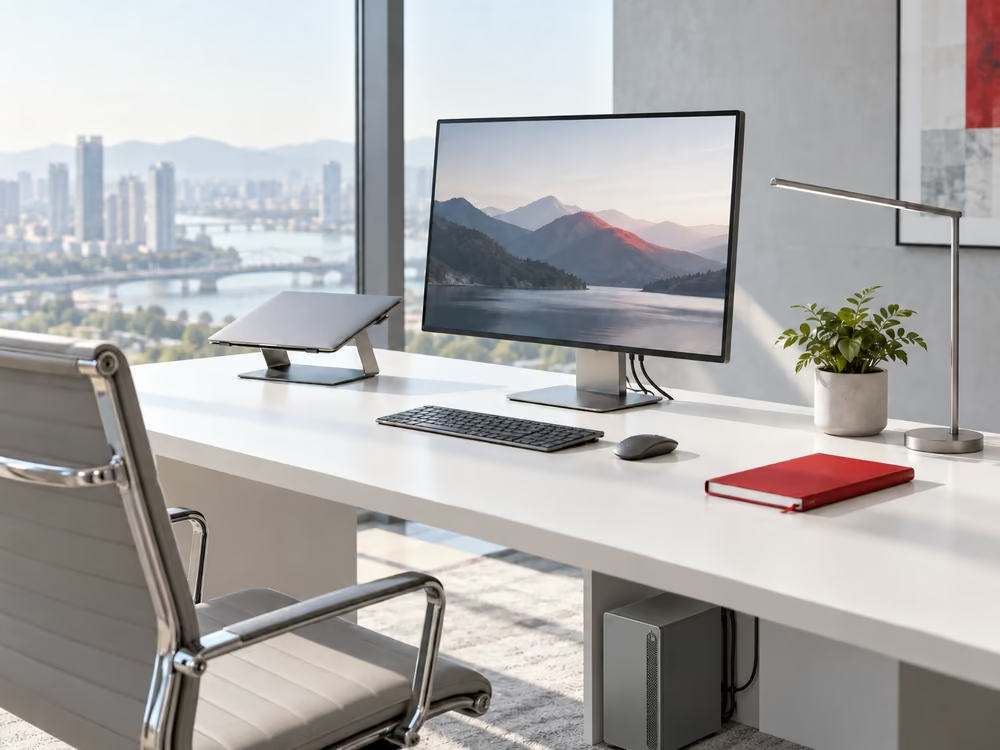
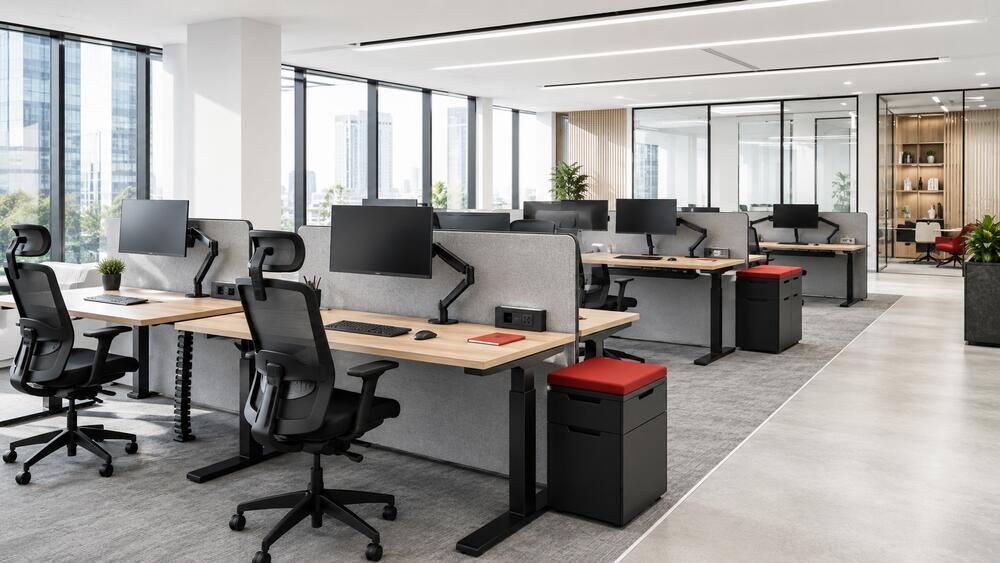
A height-adjustable desk uses an electric control system or mechanical structure to change the height of the work surface. Some models allow users to save several height settings and switch quickly between working positions.
When specifying this type of desk, the business must review the electrical supply, equipment load, and clearance required for the desk legs to move. Monitors, power cables, and desktop accessories should also be installed so that cables are not stretched when the desk is raised.
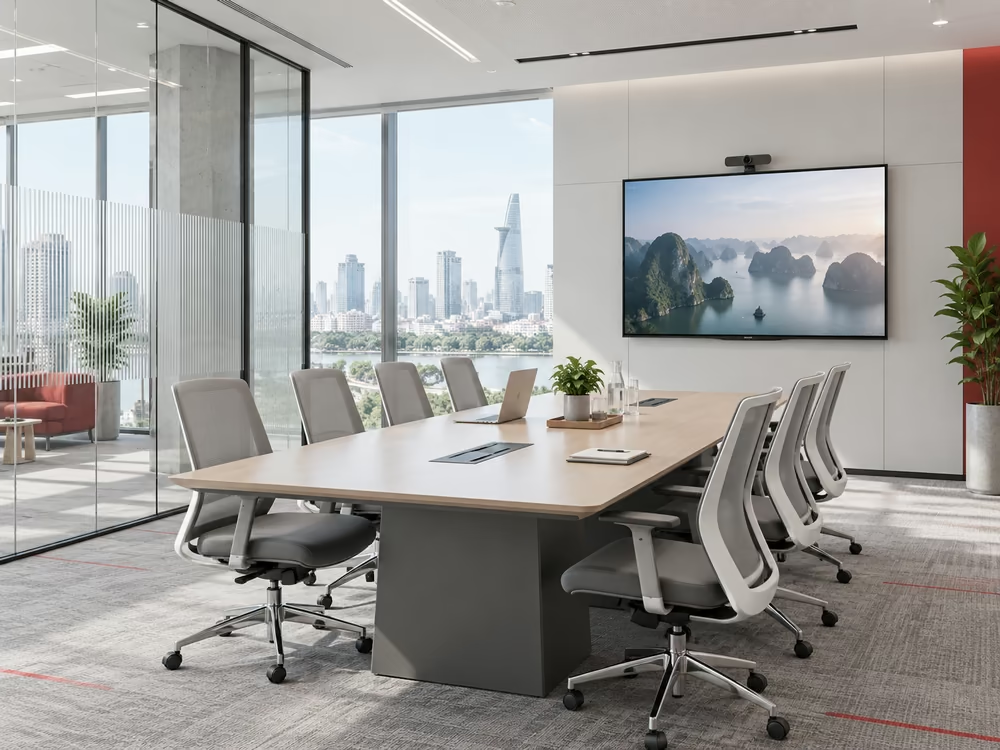
Meeting Tables With Integrated Connections
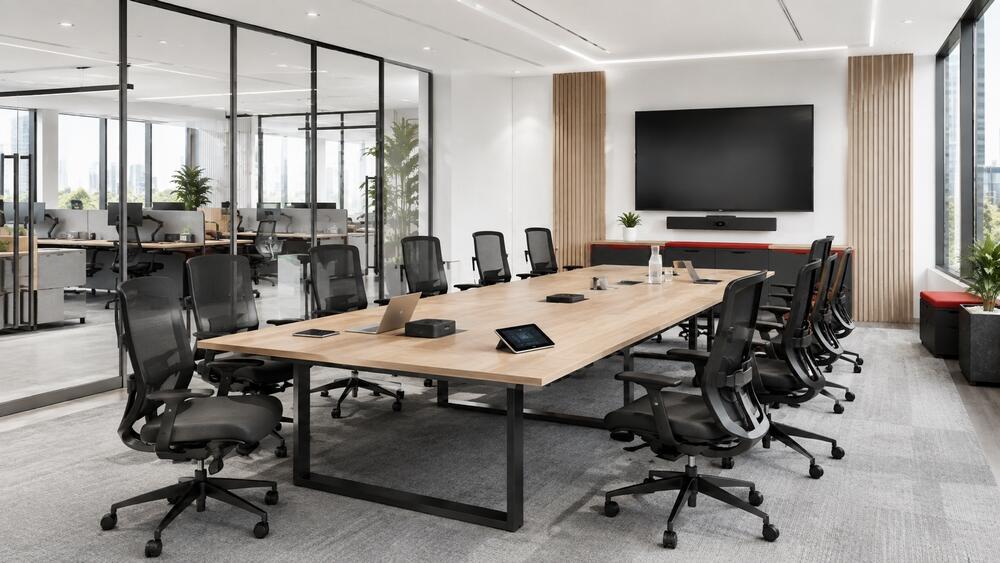
Meeting tables may include electrical outlets, network ports, presentation connections, or charging units. These components are positioned in the center of the table or along its surface so that participants do not need to run cables from the wall.
The number of connections should correspond to the meeting-room capacity and the types of equipment normally used. Too few ports will not meet actual requirements, while an excessive configuration increases the investment cost.
Work Chairs With Multiple Adjustments
Ergonomic office chairs commonly allow adjustments to seat height, seat depth, armrest position, and backrest recline resistance. The required features should be selected according to sitting duration and the nature of the work.
In shared areas, adjustment instructions should be placed where users can see them easily. Each person should reset the chair before working rather than retaining the previous user’s settings.
Multipurpose Cabinets and Shelving
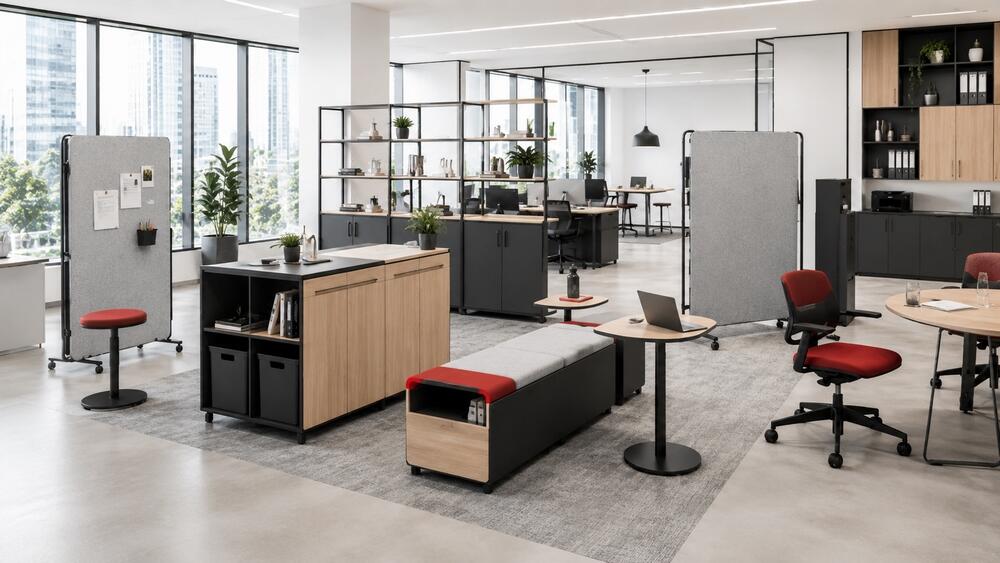
Low cabinets may be combined with seating, quick discussion tables, or space-dividing elements. Movable shelving systems allow the business to relocate storage when the floor plan changes.
Load capacity and locking mechanisms require careful inspection. Mobile cabinets containing large quantities of documents need suitable wheels, sliding rails, and securing components to prevent movement during use.
Movable Partitions and Modular Units
Movable partitions can separate focused work areas, discussion zones, and spaces for short meetings. Some modules also integrate writing boards, screens, or acoustic materials.
The intended use should be established before selecting the product. Low partitions primarily define workstations, while meeting rooms require a higher level of privacy and acoustic separation.
Considerations When Selecting Smart Furniture
Furniture should be assessed in relation to the floor plan, technical systems, and office lease term. Selecting individual products without an overall layout plan may result in incorrect dimensions or misaligned connection points.
Define Requirements Before Selecting Products
The process should begin with headcount, seating arrangements, office attendance rates, and the activities taking place during a typical working day. These details determine the required desks, chairs, cabinets, and equipment.
Selecting products based on trends without reviewing usage frequency may result in furniture with multiple features that employees rarely use.
Check Dimensions and Site Conditions
Product dimensions must be compared with the usable floor area, column positions, walkways, and door openings. Height-adjustable desks and movable cabinets also require clearance for movement.
Electrical supplies, data connections, and floor boxes must correspond with the furniture positions. The loose-furniture layout should be coordinated with the technical system drawings before fit-out work begins.
Select Materials According to Usage Frequency
Frequently used work areas require materials that withstand repeated contact and regular cleaning. Meeting tables, document cabinets, and movable partitions carry different loads, so the same material specification should not be applied to every item.
Material samples should be inspected directly for surface finish, thickness, color, and workmanship. Catalogue images do not fully show the differences between engineered wood, metal, glass, and upholstery materials.
Confirm the Warranty Policy
Warranty periods should be stated separately for frames, surface finishes, motors, and electronic components. Businesses should also confirm whether replacement parts are available locally or need to be imported.
For equipment that directly affects a workstation, an extended repair period may interrupt its use. The incident-handling terms should therefore be assessed alongside the purchase price.
Calculate Costs Across the Full Usage Cycle
In addition to the product price, the budget should include transportation, installation, electrical connections, maintenance, and removal when the premises are reinstated. Some products may be moved to a future office, but their dimensions and configurations may not suit the next premises.
The business should review its lease term and usage plan before investing. Products fixed permanently or custom-made for the current floor plan are usually more difficult to reuse than modular furniture.
At What Stage Should Smart Furniture Be Included in the Design?
Requirements for height-adjustable desks, movable storage systems, modular partitions, and connected equipment should be identified during the space-planning stage. At this point, the design team can coordinate furniture positions with electrical supplies, data connections, lighting, and circulation routes.
When products are selected only after fit-out work has been completed, the business may need to relocate outlets, change floor boxes, or alter workstation dimensions. These adjustments create additional installation work and may affect the office opening schedule.
During the premises search and office design process, RSQUARE Vietnam reviews the leased area, layout requirements, and handover conditions of each building. This gives businesses a basis for comparing floor-plan options before proceeding with detailed design and furniture procurement.